
The process of selecting suitable technology stacks becomes difficult because market uncertainty emerges from different vendors and open-source frameworks which offer fast development capabilities.
- The global AI market will achieve $260 billion in value during 2025 according to Statista which shows growing business potential in various market segments.
- McKinsey also reports that 65% of respondents say their organizations regularly use gen AI.
This guide provides an MLOps tools overview with practical tradeoffs across categories. It covers how teams compare MLOps platforms, why the wrong setup slows releases, and how a better selection process improves adoption and governance. Expect a clear MLOps tools list that stays focused on real delivery needs, not marketing. The goal is simple: identify tools for MLOps that match the team’s skills, the data reality, and the compliance bar, then shortlist the top MLOps tools for a proof of concept.
Top MLOps Tools and Platforms (Practical List)
The following section presents essential tools which match specific functions through brief explanations which help determine the most suitable option beyond vendor promotional content.
Experiment Tracking and Versioning
1. MLflow
MLflow is an open-source platform that manages the complete machine learning lifecycle. The system allows users to monitor their experiments while they can register their models and deploy them using any framework.
Pros: Offers several advantages because it works with any framework and it has a big user base and it does not cost anything to operate it on your own server and it connects to Databricks.
Cons: Needs to establish its infrastructure base while it lacks built-in security capabilities.
Use cases: Teams needing flexible experiment tracking without vendor lock-in.
Example: A startup tracks training runs locally, then scales to cloud deployment.
2. Weights & Biases (W&B)
W&B operates as a cloud-based MLOps platform which provides users with advanced visualization tools and hyperparameter optimization functions and enables multiple users to work together.
Pros: Offers excellent dashboard functionality together with simple deployment and powerful LLM capabilities and fast user registration process.
Cons: Requires payment for its services which increase in price based on how much you use it and it needs to run on cloud infrastructure.
Use cases: Research teams and AI labs needing real-time experiment collaboration.
Example: OpenAI and NVIDIA utilize W&B for tracking the training of large models.
3. Neptune.ai
Neptune.ai focuses on experiment management with metadata versioning at enterprise scale. It handles foundation model training with ease.
Pros: Offers three main advantages through its pricing method which depends on actual usage and its ability to handle large numbers of experiments and its robust governance system.
Cons: Lacks complete features which all-in-one platforms provide.
Use cases: Audit trail functionality for regulated industries and detailed access management systems.
Example: A finance firm tracks model versions across compliance requirements.
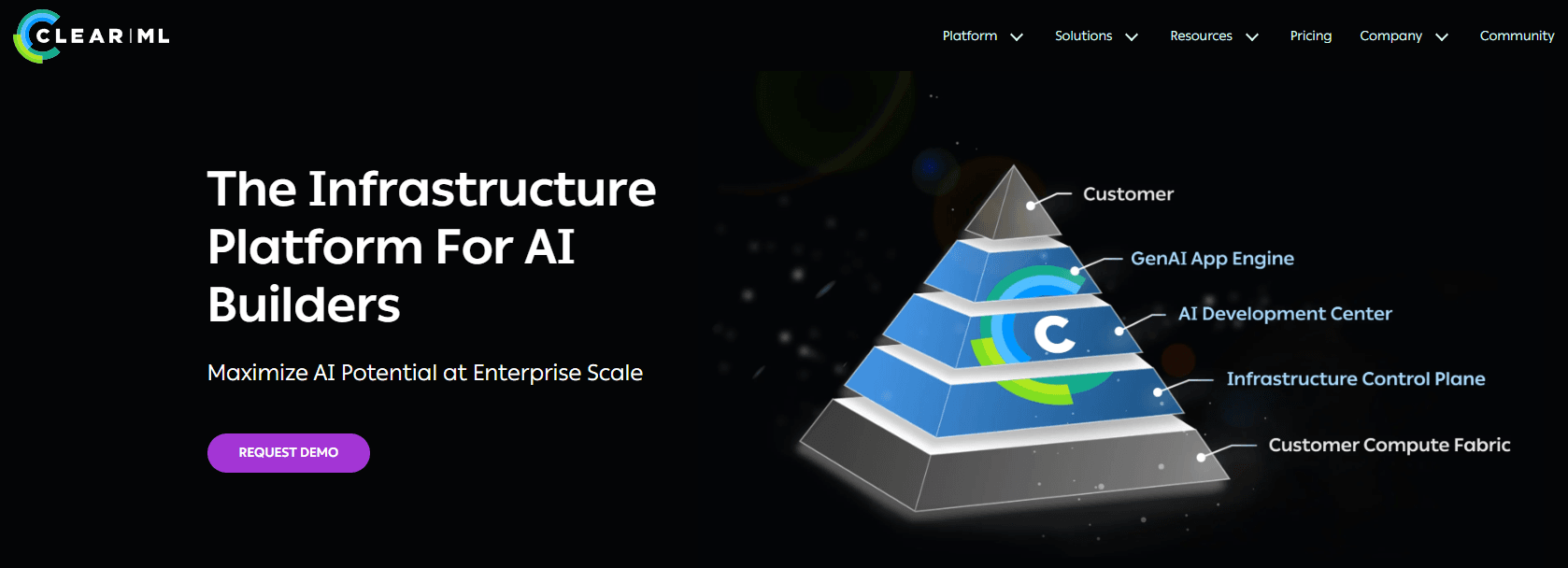
4. ClearML
ClearML provides users with complete experiment tracking and orchestration and scaling capabilities. The system allows users to execute deep learning operations which produce artificial intelligence content.
Pros: Offers three main advantages through its free open-source design which provides automatic logging and built-in orchestration capabilities.
Cons: The platform maintains a smaller community base than MLflow does.
Use cases: An integrated platform that replaces the requirement for separate applications.
Example: The built-in scheduling systems of manufacturing teams operate to create an automated process for their training pipeline.
5. DVC
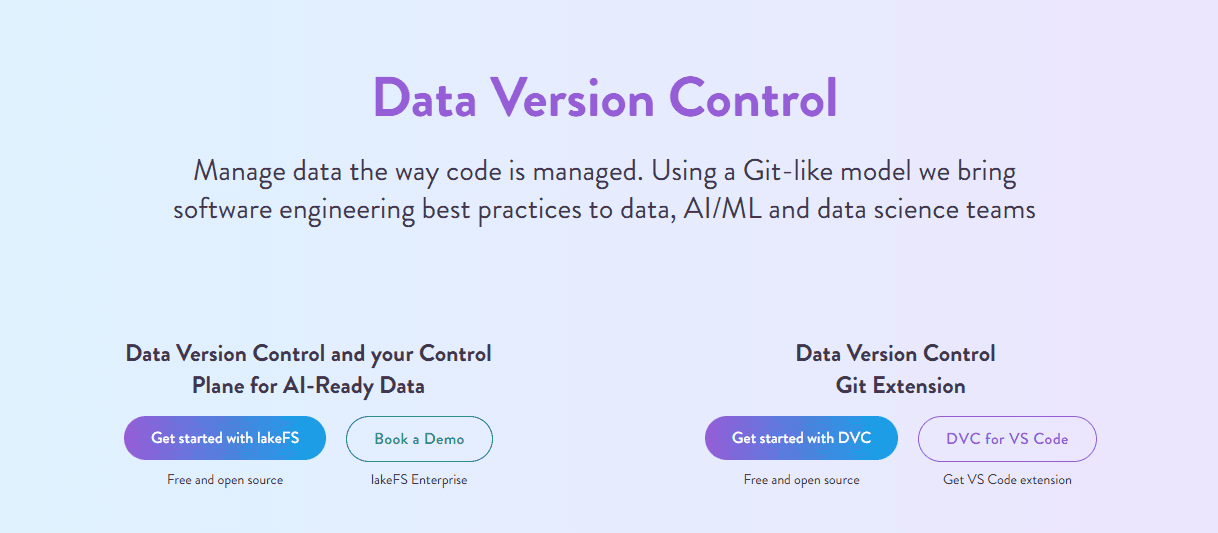
Data Version Control (DVC) operates similarly to Git for managing data and models. It tracks datasets and integrates with any storage backend.
Pros: Git-native workflow, lightweight, storage-agnostic.
Cons: Steeper learning curve, no built-in UI.
Use cases: Teams who currently use Git and require version control for their data.
Example: Data engineers version large datasets alongside code changes.
Data and Feature Management
6. Feast
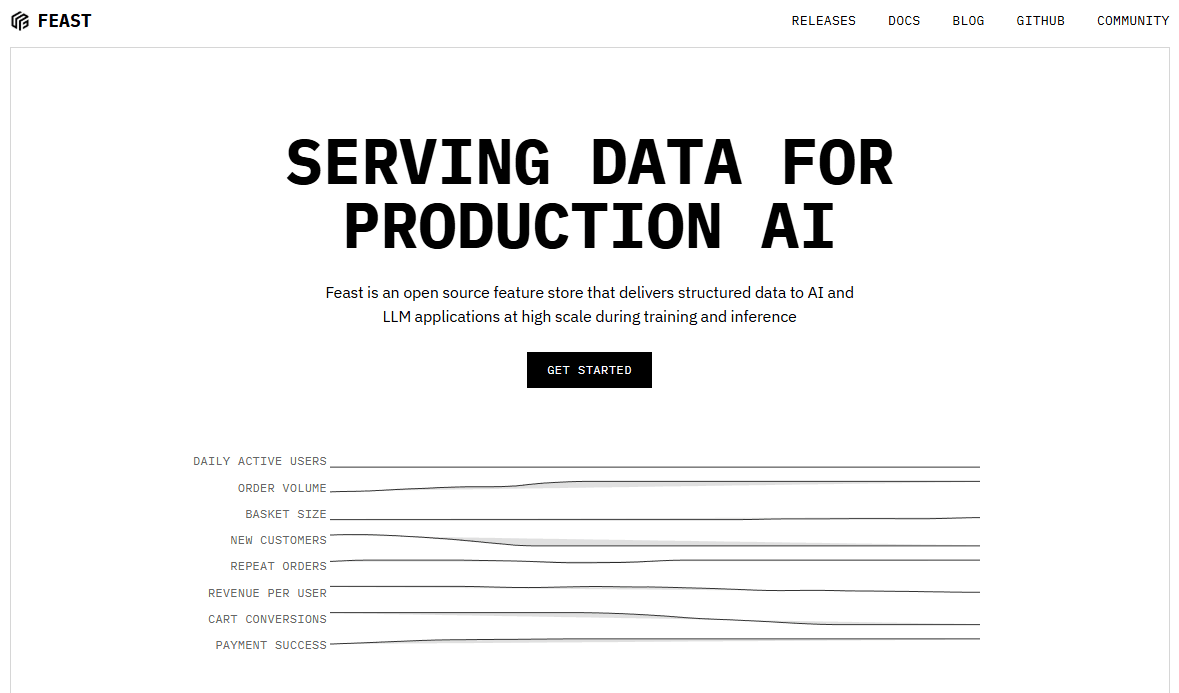
Feast is an open-source feature store that unifies feature definitions for both training and serving.
Pros: Ability to integrate with different systems and its compatibility with Airflow and Prefect and its primary focus on Python development.
Cons: Needs an external storage device which operates independently from the main system and its installation process is complicated.
Use cases: Teams reusing features across multiple models.
Example: A fraud detection system shares features between training and inference.
7. Hopsworks
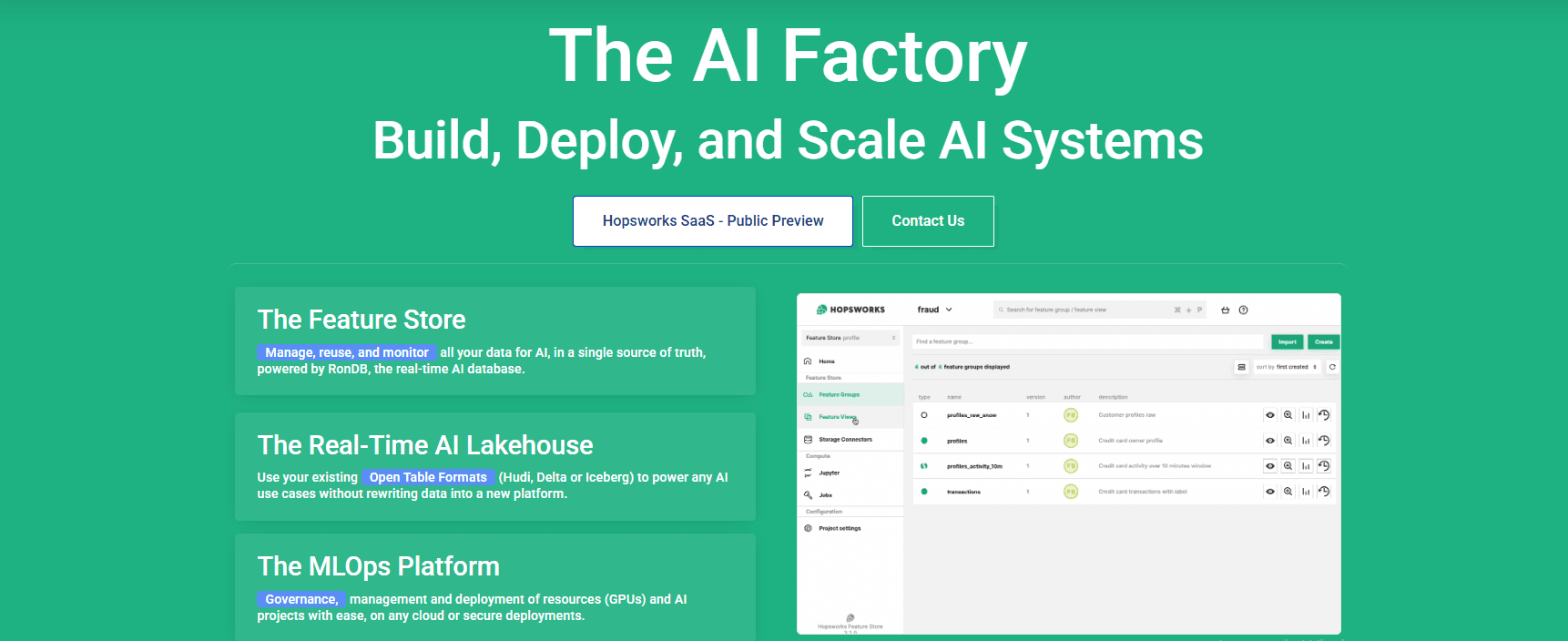
Hopsworks provides users with a feature store and model serving capabilities and integrated governance features. The system operates through both on-site and cloud-based infrastructure deployment options.
Pros: End-to-end platform functionality together with its robust governance structure and users can deploy it on their own premises.
Cons: Higher complexity and a steeper learning curve.
Use cases: Operates through two main sectors which include healthcare facilities and financial organizations that must follow regulatory requirements.
Example: Banks use to operate their feature pipelines maintain complete audit trails for their operations.
Pipeline Orchestration
8. Apache Airflow
Airflow is the most widely adopted workflow orchestrator. Over 80,000 organizations use it for data pipelines and MLOps.
Pros: Large user base and detailed documentation and proven operational history.
Cons: Complicated installation procedures and it maintains a fixed DAG design structure.
Use cases: Handle complex orchestration needs of big organizations that operate at large scales.
Example: The telecom company runs their daily model retraining operations through their current scheduling system.

9. Prefect
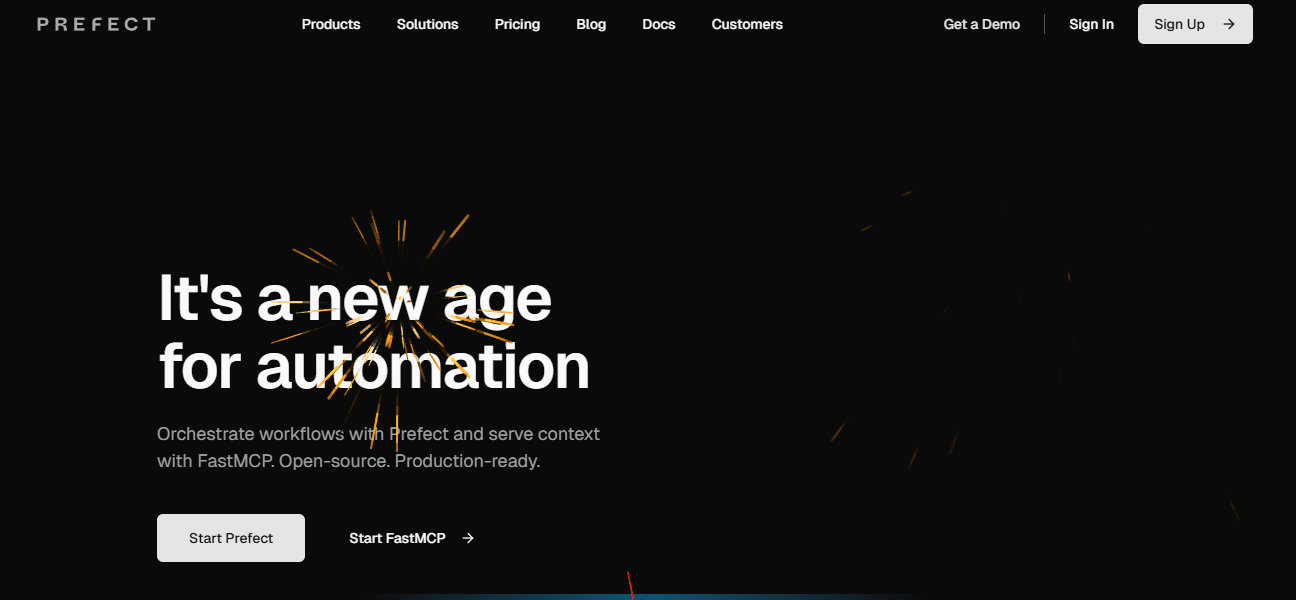
Prefect offers a modern alternative to Airflow with Python-native workflows and dynamic scheduling.
Pros: Basic Python decorator implementation and cloud-based operation and improved developer working conditions.
Cons: It supports a smaller user base than Airflow and requires users to access Prefect Cloud features.
Use cases: Teams wanting modern orchestration without complex infrastructure.
Example: A data science team automates ML pipelines with minimal boilerplate.
10. Kubeflow
Kubeflow runs ML workloads on Kubernetes. The system provides full development cycle support which begins with pipeline management and continues until it delivers functional services.
Pros: Kubernetes-native, scales well, and has a strong ML focus.
Cons: Requires Kubernetes expertise and a complex setup.
Use cases: Organizations already using containerized environments.
Example: Tech companies run distributed training on Kubernetes clusters.

Model Deployment and Serving
11. KServe
KServe is a Kubernetes-based model serving platform with serverless inference and auto-scaling.
Pros: Framework-agnostic, serverless scaling, canary rollouts.
Cons: Requires Kubernetes and has limited batch support.
Use cases: Teams needing plug-and-play serving on Kubernetes.
Example: An e-commerce site automatically scales its recommendation models based on traffic.

12. Seldon Core
Seldon Core deploys and monitors models on Kubernetes with A/B testing and multi-armed bandit support.
Pros: Advanced deployment strategies, strong monitoring, MLflow integration.
Cons: $18,000/year license (as of January 2024), complex setup.
Use cases: Enterprises needing sophisticated deployment patterns.
Example: A bank runs A/B tests between model versions in production.
13. BentoML
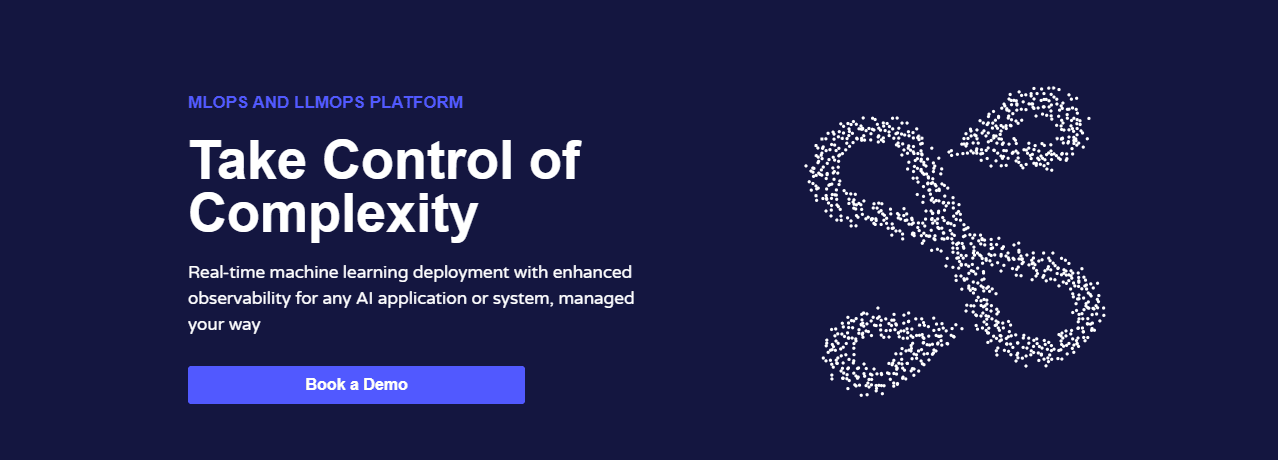
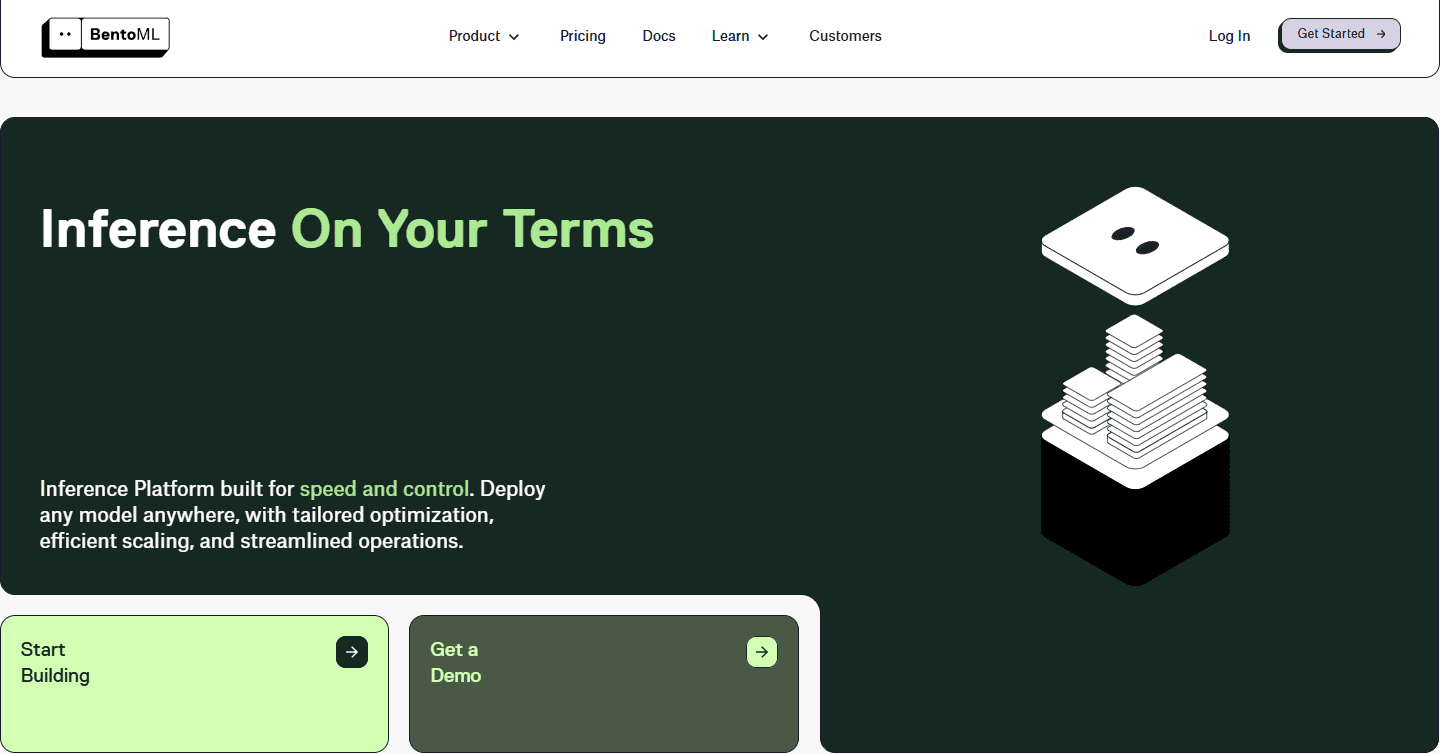
BentoML packages models into deployable services with minimal code. It works with any Python framework.
Pros: Beginner-friendly, fast iterations, flexible deployment targets.
Cons: No built-in Kubernetes orchestration, requires external scaling.
Use cases: Startups and small teams needing quick deployments.
Example: A prototype model goes from notebook to REST API in minutes.
Monitoring and Observability
14. Evidently AI
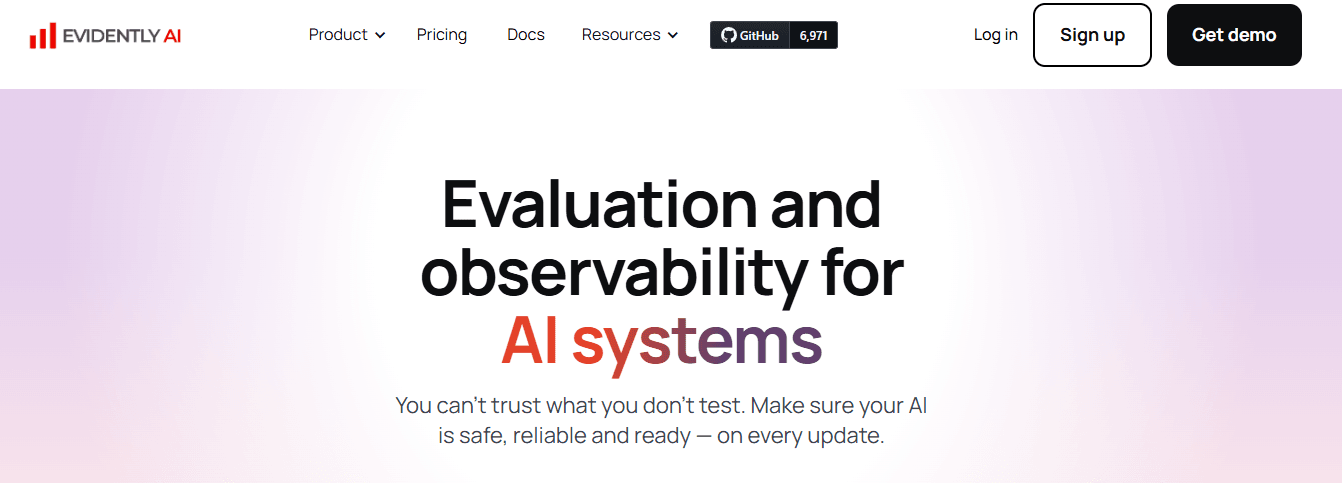
Evidently AI is an open-source platform for data drift detection, model monitoring, and quality testing.
Pros: Over 100 built-in metrics, integrates with MLflow, and features an open-source core.
Cons: Advanced features are only available in a paid cloud version.
Use cases: Teams needing continuous production monitoring.
Example: A retail company detects feature drift before model degradation.
15. Arize AI
Arize AI provides real-time monitoring, drift detection, and root-cause analysis for ML models.
Pros: Strong visualization, LLM support, and embedding monitoring.
Cons: Enterprise pricing for full features.
Use cases: Organizations needing deep observability across model types.
Example: A fintech firm monitors the quality of predictions and identifies issues early.

16. Prometheus + Grafana
Prometheus and Grafana monitoring stack integrates with custom ML metrics for latency, throughput, and performance tracking.
Pros: Industry standard, highly customizable, open-source.
Cons: Requires setup, not ML-specific.
Use cases: Teams with existing DevOps monitoring infrastructure.
Example: Engineers add model latency metrics to existing dashboards.
Infrastructure and Resource Management
17. Terraform
Terraform enables infrastructure as code for deploying cloud resources. It supports multi-cloud ML environments.
Pros: Cloud-agnostic, version-controlled infrastructure, reusable modules.
Cons: Learning curve, state management complexity.
Use cases: Teams standardizing ML infrastructure across environments.
Example: ML engineers deploy identical SageMaker setups across accounts.
18. AWS SageMaker
SageMaker operates as AWS’s managed platform which provides complete management of the machine learning lifecycle starting from data preparation through to deployment.
Pros: Integrate deeply with AWS and provide users with more than sixty different instance options and its comprehensive MLOps functionality.
Cons: AWS exclusive use and its complicated pricing structure.
Use cases: Organizations which use AWS infrastructure and want to implement automated machine learning solutions.
Example: An enterprise trains models at scale using SageMaker Pipelines.

19. Azure Machine Learning
Azure ML provides managed ML services with AutoML, a visual designer, and confidential computing.
Pros: Ability to work with Microsoft products and its absence of platform costs and its excellent compliance features.
Cons: Azure lock-in and users need to learn Azure operations from scratch.
Use cases: Operates for organizations which implement Microsoft 365 and Teams and Power BI solutions.
Example: A healthcare company trains models with built-in HIPAA compliance.

20. Google Vertex AI
Vertex AI operates as a Google Cloud service which offers pipelines and AutoML and prediction services and enables users to access BigQuery through a smooth connection.
Pros: Clean user interface and its ability to access TPU resources and its powerful data analytics capabilities.
Cons: Requiring users to stay within the GCP environment and maintaining a difficult pricing system.
Use cases: Teams on Google Cloud or needing BigQuery integration.
Example: A media company builds recommendation models using BigQuery ML.
21. Databricks ML
Databricks combines Spark-based data processing with MLflow integration for unified analytics and ML.
Pros: Excellent performance when processing large datasets and it operates in cloud environments while providing MLflow functionality.
Cons: Additional expenses because it operates based on Spark technology.
Use cases: Data-heavy enterprises needing unified analytics and ML.
Example: The logistics company operates predictive maintenance through their analysis of sensor data which exceeds terabyte levels.
22. Domino Data Lab
Domino enterprise platform enables organizations to handle ML project teamwork through its features which support project reproducibility and meet organizational governance requirements.
Pros: Maintain strong governance and its capacity to reproduce projects and its feature which enables team members to work together effectively.
Cons: Higher costs for its licensing structure which lacks flexibility when compared to open-source solutions.
Use cases: Large enterprises with strict compliance requirements.
Example: The drug discovery models of pharmaceutical companies receive control through their implementation of audit trails.
Tools are only useful when they support real MLOps use cases — otherwise you’ll overbuild and stall adoption.

Overwhelmed by choices?
Talk to our experts to design an MLOps stack that fits your team’s needs and budget.
Start HereWhy Most Companies Choose the Wrong MLOps Tools
Organizations face difficulties when selecting MLOps tools because they need to handle the real-world obstacles which appear during implementation. Teams select their platforms through marketing statements and feature descriptions and by following what major technology businesses implement. Then deployment stalls, adoption drops, and costs spiral. The following explanation explains why this occurs together with methods to prevent it from happening.
Chasing Features Instead of Fit
The most eye-catching tool does not necessarily fulfill your requirements. A team using simple scikit-learn models doesn’t need enterprise Kubernetes orchestration. A startup processing gigabytes of data doesn’t require infrastructure built for petabytes. Research studies indicate that ML models fail to achieve production readiness at a rate higher than 80% according to industry survey results. The selection of tools which focuses on adding features instead of matching project requirements has become a major reason for project failure.
The fix: The solution requires you to create an entire map of your present operational system.. Identify pain points. Then find tools that solve those specific problems without adding unnecessary complexity.
Ignoring Team Skills
Complex orchestrators require engineers who have received training to perform their specific operations for maintenance purposes. The implementation of tools becomes impossible when their complexity level surpasses what the team members can handle because this situation creates two major problems which include tool adoption failure and the development of multiple work-around solutions.
The fix: Your team requires an honest evaluation of technical abilities for each member to resolve this issue. Select tools that align with existing skills or consider realistic training timelines. A simpler tool that gets used beats a powerful one that sits idle.
Underestimating Integration Work
Tools don’t exist in isolation. Your ML platform needs to establish connections with different data sources and cloud services and CI/CD pipelines and monitoring systems. Teams discover tool integration issues only after they have chosen their selected tools. The solutions developed from the outcome required additional support systems and produced unstable automation systems.
The fix: Before committing, test integrations with your actual stack. Verify that the tools support your cloud provider, data formats, and existing workflows.
Forgetting Total Cost of Ownership
The license fee is just the beginning. Self-hosted tools need servers, maintenance, and dedicated staff. Managed services scale costs with usage. Engineers need to spend their time on both setup and maintenance activities when they deploy open-source tools. Teams fail to predict their ongoing costs which tend to be twice or three times higher than their actual amount.
The fix: The solution requires businesses to determine their complete expenses which should include infrastructure costs together with maintenance expenses and training fees and support services. Compare managed service pricing against the engineering hours needed for self-hosted alternatives.
Building Before Requirements Are Clear
Many organizations adopt MLOps tools during early experimentation when requirements remain fuzzy. They over-engineer infrastructure for hypothetical future needs. When real requirements emerge, the chosen tools often don’t match.
The fix: Start simple. Add complexity only when current tools clearly limit progress. Incremental adoption beats big-bang platform deployments.
How the Right MLOps Approach Impacts Business Metrics
The organization needs to create standardized base operations as its first step before it can expand into new areas which show promising value potential. That prevents overbuilding and reduces long-term maintenance risk. Hands-on platform planning and adoption support can also be accelerated through MLOps development services and consulting when internal ownership needs a faster start.
Tools don’t make or break your MLOps strategy, but the wrong ones will slow you down. Focus on integration and team adoption — the fanciest platform won’t help if no one uses it.” — Volodymyr Shynkar, CEO and Co‑Founder, AppRecode (verified on Clutch).
For readers who want a broader view beyond vendor docs, a long-form perspective on adoption patterns appears on Linkedin. It can help frame what matters during selection, especially for best MLOps platforms used across multiple teams.
Final Thoughts
The MLOps ecosystem shows active development as it continues to grow. The selection of tools depends on particular situations because there exists no single tool which stands as the best option. You need to assess all possible solutions based on your business challenges and system connection needs and future business expansion possibilities.
The system should begin with basic components which include experiment tracking and orchestration and monitoring before adding feature stores and registries and managed services according to increasing complexity requirements.
FAQ
How do we choose the right MLOps tools for our specific use case?
I would choose MLOps tools from the bottleneck, not from a “top tools” page. First ask what is painful today. Maybe nobody can find the exact dataset behind a model. Maybe training runs are impossible to compare. Maybe deployment still means sending a file to an engineer. Maybe the model is in production, but nobody knows when it starts drifting.
Each answer points somewhere different. Reproducibility points to tracking, versioning, and a registry. Deployment pain points to packaging, CI/CD, serving, and rollback. Production uncertainty points to monitoring and evaluation.
Then check whether the tool fits the team. A Kubernetes tool is not a bargain if the team cannot run Kubernetes. A managed cloud platform is not simple if the bill becomes unpredictable. Open source is not free if nobody maintains it.
Use one real model for the proof of concept. If the tool survives real data, real permissions, and a real deployment path, it belongs on the shortlist.
Can MLOps be implemented incrementally, or does it require a full platform upfront?
MLOps does not need to arrive as one giant platform. In fact, that is often the expensive way to start. A team can begin with one model and one painful workflow, then add pieces as the need becomes obvious.
The first layer is usually tracking. Can we tell which dataset, code version, parameters, environment, and metrics produced a model? If not, fix that before arguing about serving platforms.
The second layer is a repeatable pipeline. Data preparation, training, evaluation, and registration should not depend on someone remembering notebook cells in the right order. After that, add deployment, monitoring, rollback, and retraining rules.
A full platform makes sense later when there are many models, compliance requirements, shared features, multiple teams, or serious production traffic. Until then, too much platform can slow the team down.
I like the “thin slice” approach: one model, one path to production, one set of owners, and clear evidence that the workflow improved.
What are the most common mistakes companies make when adopting MLOps tools?
The biggest mistake is buying a platform and hoping it will invent the process. It will not. If the team does not know who owns data, who approves a model, how releases happen, or who answers production alerts, the tool only makes the confusion more expensive.
I also see teams copy stacks that are too mature for them. A few notebook-based models do not need a giant Kubernetes setup on day one. On the other hand, a bank or healthcare team may outgrow a lightweight tracker quickly because audit trails and approvals are not optional.
The proof of concept is another weak spot. Teams test the happy path with sample data, then later discover that the tool does not fit their storage, Git workflow, CI/CD, secrets, cloud accounts, or monitoring.
Cost and adoption are the final traps. Open source needs people. Managed tools need budget controls. And if the platform is annoying, teams will bypass it. That is when the platform is officially installed but practically dead.
Do we need in-house MLOps expertise, or can this be handled externally?
Yes, an outside team can help with MLOps, especially at the start. They can choose a sensible stack, set up tracking, automate a first pipeline, connect CI/CD, add model serving, and put monitoring in place. That can be much faster than learning every mistake alone.
The limit is ownership. Internal teams still need to understand the model, the data, the approval rules, and the production risks. If a model starts making bad predictions, the business cannot answer customers with “our consultant knows.”
So I would use external help as a ramp. Let specialists build the first version with your engineers sitting close to the work. Ask for clear docs, runbooks, handover sessions, and examples your team can repeat.
A good partner should explain tradeoffs, not hide them. MLOps is tied to business logic and data quality, so it cannot stay mysterious. The goal is faster maturity, not permanent dependency. Internal ownership matters.
Are open-source tools sufficient for enterprise MLOps?
Open source can be enough for enterprise MLOps if the company treats it like real infrastructure. MLflow, DVC, Airflow, Prefect, Feast, Kubeflow, KServe, Prometheus, and Grafana are not toys. They can support serious workflows.
The hard part is everything around the tools. Who upgrades them? Who manages access? Where are secrets stored? Are backups tested? Can auditors trace a production model back to code, data, and approval? Who gets paged when the pipeline fails?
If the team has platform engineering capacity, open source can be flexible and portable. If the team is already overloaded, managed services may be the cheaper option in practice, even with higher vendor pricing.
I would compare open source and managed platforms by total operating cost, not license cost. Sometimes self-hosting wins. Sometimes SageMaker, Azure ML, Vertex AI, Databricks, Domino, or another managed platform is safer.
The enterprise answer is rarely pure. Use open source where control matters. Use managed services where operational risk matters more.
Which MLOps tool categories should a team evaluate first?
Evaluate categories before products. Otherwise the shortlist turns into “what did we hear about at a conference?” instead of “what problem are we solving?”
Start with experiment tracking and model versioning. The team should know which data, code, parameters, metrics, and artifact produced a result. Without that, everything downstream is shaky.
Then look at data and features. If datasets change often or several models reuse the same features, DVC-style data versioning or a Feast-style feature store may help. If every model has different one-off data, a feature store may be too early.
Next comes orchestration. Airflow, Prefect, Kubeflow Pipelines, or managed pipeline tools can turn notebooks and scripts into repeatable workflows. Choose based on team skill, runtime needs, and whether Kubernetes is already in the picture.
Serving and monitoring come after that. Some teams need simple packaging. Others need canary release, autoscaling, batch inference, or GPU serving. Production models also need latency, errors, quality checks, drift detection, lineage, approvals, and rollback. A tool that stops at training is not a complete MLOps platform.
When does a team actually need a feature store?
A team needs a feature store when feature reuse, consistency, or online serving starts to become painful. If one model uses a few static CSV files, a feature store may be unnecessary overhead. If several models reuse customer, transaction, device, or product features, the case becomes stronger.
The main problem is training-serving skew. A model may be trained with one definition of a feature and served with another. That can happen when data scientists calculate features in notebooks while engineers reimplement similar logic in production. A feature store helps create shared definitions and makes it easier to retrieve point-in-time correct training data and fresh online features.
Feast is a common open-source example. Its documentation describes offline stores for historical training data, online stores for low-latency inference, a registry for feature definitions, and materialization into serving stores. Managed platforms may provide similar capabilities with less setup.
Do not add a feature store just because it sounds mature. It brings new infrastructure, ownership, and data quality responsibilities. Start with the question: are duplicated feature definitions, slow feature delivery, or inconsistent training and inference data already hurting the team? If yes, a feature store may be worth testing.
How should we measure whether an MLOps platform is working?
Measure whether the platform makes ML delivery safer, faster, and easier to operate. Tool adoption alone is not enough. A team can have many dashboards and still struggle to deploy one model reliably.
Start with delivery metrics. How long does it take to move from experiment to approved model? How often can the team deploy or retrain safely? How many manual steps remain? How often do deployments fail or require emergency rollback?
Then measure reproducibility. Can the team identify the code, data, parameters, environment, and artifact behind a production model? Can another engineer rerun the pipeline and get a comparable result? MLflow, W&B, DVC, registries, and pipeline metadata are useful only if they answer those questions.
Production health matters too. Track latency, error rate, throughput, resource usage, prediction quality, data quality, data drift, prediction drift, and business KPIs tied to the model. For LLM systems, add evaluation quality, traceability, cost per request, and failure categories.
Finally, watch developer experience. If the platform is so complex that teams bypass it, it is not working. The best sign is boring reliability: models are traceable, releases are repeatable, monitoring is trusted, and teams spend less time fighting the platform.